Your Data Is a Mess — And That's Why AI Isn't Working for You
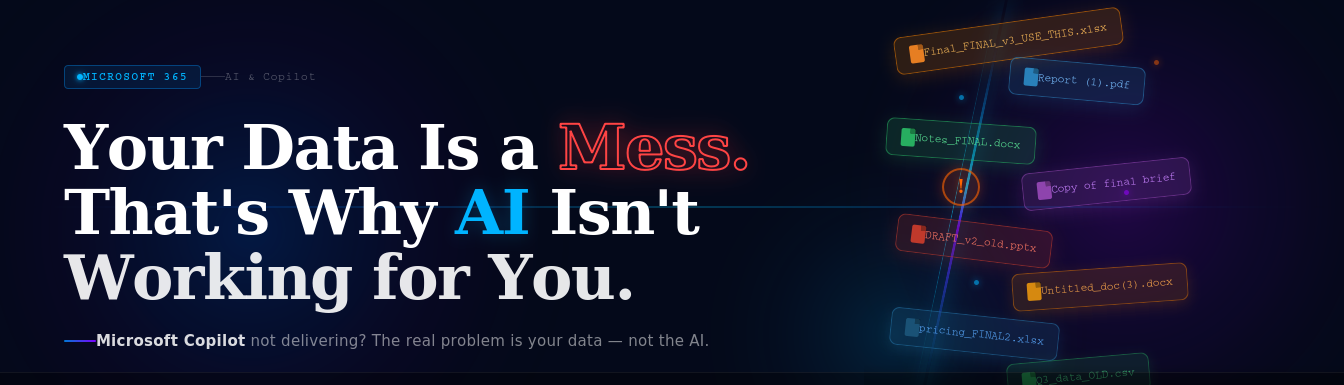
Many businesses deploy Microsoft Copilot with high expectations, only to receive unreliable, confusing, or uselessly vague responses about their own operations. Teams ask Copilot about last quarter's figures and get wrong answers. They ask for a project summary and receive content from years ago. They search for a policy document and Copilot cannot find it.
The instinct is to blame the AI. But the problem is almost never the AI. The AI is ready. Your data is not.
The Scale of the Problem
The data quality crisis in enterprise environments is well-documented. According to research by Seagate and IDC, 68% of enterprise data is never analysed or used. Gartner research shows that 73% of organisations report significant volumes of redundant, obsolete, or trivial data in their environments.
When Copilot attempts to answer a question, it searches across your Microsoft 365 environment — SharePoint, Teams, Exchange, OneDrive — and surfaces the most relevant content it can find. If your data is scattered, unstructured, and unlabelled, Copilot's responses will reflect that chaos.
Five Primary Data Problems
1. Scattered File Locations
Documents dispersed across personal desktops, email attachments, outdated shared drives, and abandoned Teams channels are invisible to Copilot's discovery mechanisms, or are discovered but lack the context needed to rank them reliably. If your organization does not have a consistent, governed home for its content, Copilot cannot navigate it effectively.
2. Unreviewed Permissions
Access controls established during initial configuration are rarely maintained. Departing employees leave behind shared folders still accessible by the team. Projects end but SharePoint sites remain open to the entire organization. These unreviewed permissions mean Copilot may surface content that users have technical access to but should never see — creating both a data leakage risk and noisy, irrelevant search results.
3. Duplicate and Outdated Content
Multiple versions of the same document — V1, V2, FINAL, FINAL_v2, FINAL_USE_THIS — create ambiguity. Copilot cannot reliably determine which represents the current, authoritative version. It may surface superseded content with the same confidence as current material, leading to decisions made on outdated information.
4. Missing Metadata
Consistent tagging, classification labels, and structured naming conventions are the signals Copilot uses to understand what content is, how sensitive it is, and when it was last relevant. Without metadata, everything looks the same to the AI. A five-year-old proposal is indistinguishable from last week's contract.
5. Unclear Ownership
When no one is responsible for the quality, organization, and maintenance of a data domain, it degrades. Without designated data stewards, duplicate content accumulates, outdated files persist, and naming conventions drift. Copilot inherits this entropy.
The Six-Step Remediation Roadmap
Step 1: Conduct a Data Audit
Use Microsoft Purview, the SharePoint Admin Centre, and Microsoft Secure Score to baseline your current data landscape. Identify where content lives, who has access to it, and what proportion is actively used versus stale.
Step 2: Establish SharePoint Online as Your Central Repository
All shared organizational content should have a governed home in SharePoint Online. Define a site structure that reflects your organizational structure and document types. Retire legacy shared drives and migrate content to SharePoint with consistent folder hierarchies.
Step 3: Implement Least-Privilege Access Controls
Review and right-size permissions across your SharePoint environment. Remove broad "Everyone" sharing, audit external sharing links, and ensure access reflects current organizational roles — not historic sharing decisions.
Step 4: Remove Redundant, Obsolete, and Trivial Content
Before AI can work with your data effectively, you need to curate it. Implement a structured review process to archive or delete content that is no longer relevant. This is not a one-time exercise — establish a regular review cadence.
Step 5: Introduce Metadata Standards and Naming Protocols
Define and enforce consistent naming conventions, folder structures, and metadata columns across SharePoint. Apply Microsoft Purview sensitivity labels to classify content by confidentiality level. These signals dramatically improve Copilot's ability to surface the right content for the right users.
Step 6: Designate Departmental Data Stewards
Assign ownership of data domains to specific individuals in each department. Data stewards are responsible for maintaining content quality, managing permissions, and enforcing naming conventions within their area. This distributes the governance workload and creates accountability.
AI-Ready vs. Not AI-Ready
Organizations that maximise the value of Microsoft Copilot prioritise foundational data governance over expansive AI budgets. The difference between an AI-ready and not-AI-ready environment comes down to five factors:
- Structured data with a clear, consistent home
- Permissions that reflect current roles and least-privilege principles
- Version control and clear content lifecycle management
- Consistent metadata and sensitivity labels
- Assigned ownership and accountability for data quality
Getting these foundations right is not glamorous work. But it is the work that determines whether your AI investment delivers or disappoints.