Unleash the Power of AI: Build Your Own HR Agent with Copilot Studio
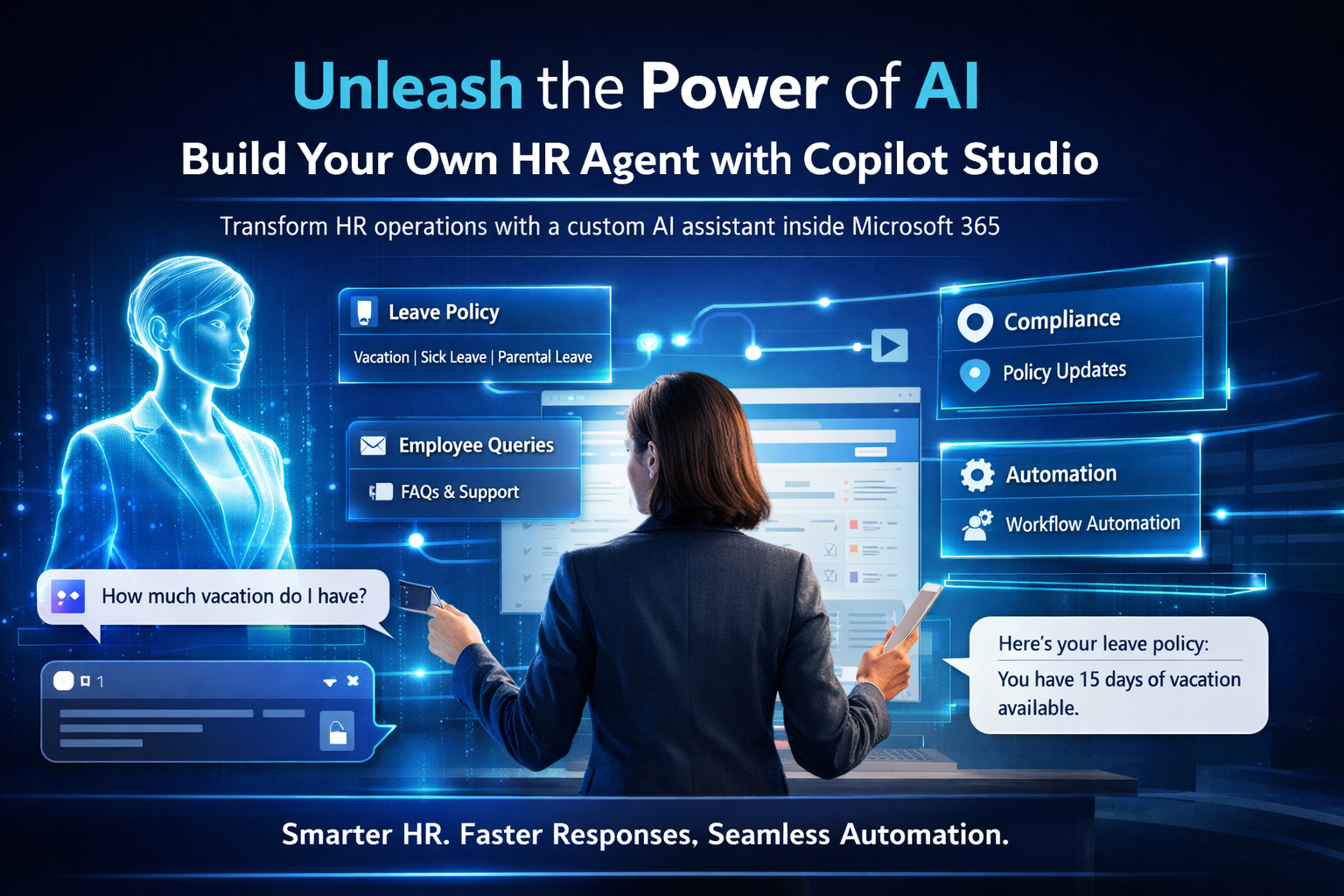
The future of work is here, and it speaks fluent AI. Microsoft 365 Copilot has revolutionized productivity across the enterprise — but what if you could build your own AI agent, purpose-designed for your HR team's specific needs? With Microsoft Copilot Studio, you can.
Why HR Needs Custom AI
HR teams are often overwhelmed with repetitive, high-volume tasks: answering policy questions, processing leave requests, onboarding new employees, and responding to benefit enquiries. These tasks consume significant time that HR professionals could spend on strategic, high-value work.
A custom HR agent built on Copilot Studio can deliver:
- Instant answers to employee questions about policies, benefits, and processes — available 24/7
- Task automation for routine requests such as leave approvals and document submissions
- Improved employee experience through consistent, accurate, and immediate responses
- Staff efficiency gains by deflecting routine enquiries from HR inboxes
- Policy compliance through responses grounded in your actual HR documentation
What Is Copilot Studio?
Microsoft Copilot Studio is a low-code platform designed to help organizations create, customize, and manage their own AI copilots and bots. It provides a visual designer for conversation flows, a knowledge management system for grounding the AI in your documents, and deep integration with Microsoft 365 and Power Platform.
No advanced coding skills are required — HR leaders and IT administrators can build capable agents collaboratively using Copilot Studio's graphical interface.
Six-Step Implementation Guide
Step 1: Define Scope and Purpose
Before opening Copilot Studio, clearly define what your HR agent should and should not do. Start narrow — a focused agent that handles leave policy questions and onboarding checklists will deliver value faster than an overly ambitious project. Define your success metrics upfront: deflection rate, employee satisfaction scores, or time-to-response.
Step 2: Access the Platform
Navigate to copilotstudio.microsoft.com and sign in with your Microsoft 365 credentials. Create a new copilot, give it a name and description your employees will find approachable, and select your primary language. The studio environment opens with a default conversation flow that you will customize.
Step 3: Train with Knowledge
Upload your HR documentation — employee handbook, leave policies, benefits guides, onboarding materials — as knowledge sources. Copilot Studio uses these documents to ground the agent's responses, ensuring it answers questions based on your actual policies rather than generic AI training data. You can also add SharePoint sites as knowledge sources for dynamically updated content.
Step 4: Design Conversation Flows
Use the visual conversation designer to build guided flows for your most common HR scenarios. For each topic, define trigger phrases (what an employee might type or say), the AI's response strategy, and any actions to take — such as sending a form link or escalating to a human HR contact.
Step 5: Test Functionality
Use Copilot Studio's built-in test panel to simulate employee conversations. Test edge cases — ambiguous questions, multi-turn conversations, and requests the agent should not handle. Refine conversation flows and knowledge sources based on test results before releasing to users.
Step 6: Publish and Integrate
Deploy your HR agent to the channels your employees already use: Microsoft Teams is the most natural home for an internal HR agent, making it accessible wherever employees work. You can also deploy to SharePoint intranet pages or configure the agent as a Teams app available in your organization's app catalogue.
Advanced Features
Once your core agent is operational, Copilot Studio enables more sophisticated capabilities:
- Power Automate integration — Connect the agent to automated workflows for leave requests, IT ticket creation, and onboarding task assignments
- Authentication — Configure the agent to verify employee identity using Azure AD before providing access to personal HR information
- Analytics — Monitor conversation volumes, topic frequency, escalation rates, and user satisfaction through built-in reporting dashboards
- Multilingual support — Enable the agent to respond in multiple languages for globally distributed teams
Conclusion
Building a custom HR agent with Copilot Studio is one of the most impactful AI projects an organization can undertake. It delivers measurable ROI through deflected support tickets, reduces HR team workload, and creates a consistently positive experience for employees seeking help.
The low-code nature of Copilot Studio means this is not just a project for your IT team — HR leaders can and should be active participants in designing an agent that reflects their domain knowledge and their team's needs.